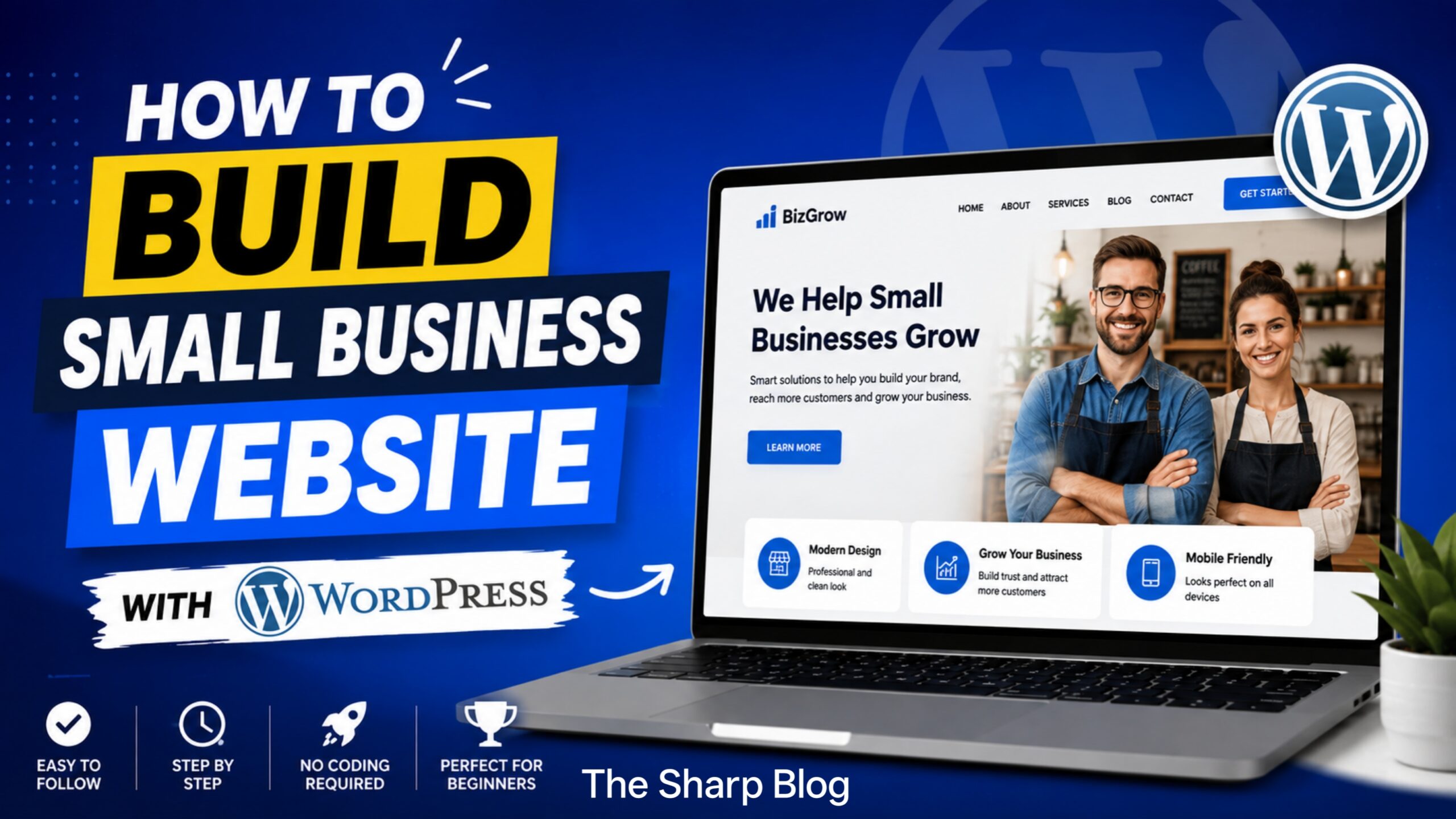
In today’s digital world, having a professional website is no longer optional for small businesses. Whether you own a local bakery, a consulting firm, a retail store, or a service-based company, your website acts as your online storefront. It helps customers learn about your business, contact you, and even make purchases without visiting your physical location.
Among the many website-building platforms available, WordPress stands out as one of the most powerful, flexible, and beginner-friendly options. It powers millions of websites worldwide because it offers complete control over design, functionality, and content without requiring advanced coding knowledge.
This guide explains how to build a professional small business website with WordPress, from choosing a domain name to launching and maintaining your site.
Why WordPress for Your Small Business?
WordPress is an excellent choice for small businesses because it is affordable, customizable, and easy to manage. Unlike many website builders that limit your flexibility, WordPress allows you to expand your website as your business grows.
Some of the biggest advantages include:
- Easy content management
- Thousands of professional themes
- Extensive plugin library
- Excellent SEO capabilities
- Mobile-friendly designs
- Secure and scalable platform
- Large community support
Whether you’re creating a simple company website or a complete online store, WordPress provides the tools you need.
Step 1: Define Your Website Goals
Before purchasing hosting or selecting a design, determine what your website should accomplish.
Ask yourself:
- Do you want customers to contact you?
- Will you sell products online?
- Do you want to showcase your portfolio?
- Will customers book appointments?
- Do you want to publish blog articles?
Having clear goals makes every decision easier during the website-building process.
Step 2: Choose the Perfect Domain Name
Your domain name is your website’s online address.
A good domain name should be:
- Short and memorable
- Easy to spell
- Relevant to your business
- Free from unnecessary numbers or symbols
- Preferably ending with .com if available
For example, if your company is called Green Valley Landscaping, a domain like greenvalleylandscaping.com is much better than something overly complicated.
Choose a name that customers can easily remember and type.
Step 3: Select Reliable Web Hosting
Web hosting stores your website files and makes them accessible online.
When selecting a hosting provider, look for:
- High uptime
- Fast loading speed
- Daily backups
- Strong security
- Responsive customer support
- One-click WordPress installation
Quality hosting improves website performance, security, and search engine rankings.
Step 4: Install WordPress
Most hosting companies offer one-click WordPress installation.
After installation, you’ll receive access to the WordPress dashboard where you can manage your entire website.
The dashboard allows you to:
- Create pages
- Publish blog posts
- Install themes
- Add plugins
- Manage users
- Customize your website
You don’t need programming knowledge to use the dashboard effectively.
Step 5: Choose a Professional Theme
Your theme determines your website’s appearance.
When you’re selecting a theme, must consider these factors:
- Mobile responsiveness
- Fast loading speed
- Clean design
- Easy customization
- Regular updates
- Compatibility with popular plugins
A clean, modern layout builds trust and improves the user experience.
Avoid themes overloaded with unnecessary animations that slow down your website.
Step 6: Customize Your Website
Now it’s time to personalize your website to reflect your brand.
Customize these things:
- Company logo
- Brand colors
- Fonts
- Homepage layout
- Navigation menu
- Footer
- Contact information
Consistency in branding helps visitors recognize and remember your business.
Keep the design clean and uncluttered.
Step 7: Create Essential Pages
Every small business website should include several important pages.
Home
Your website’s homepage creates the first impression.
Include:
- Business introduction
- Main services
- Call-to-action button
- Customer testimonials
- Contact information
About Us
People like doing business with real people.
Share:
- Company story
- Mission
- Experience
- Team members
- Values
This page helps establish credibility.
Services or Products
Clearly explain what you offer.
For each service, include:
- Description
- Benefits
- Pricing (if appropriate)
- Images
- Call-to-action
Avoid technical language that customers may not understand.
Contact Page
Make it easy for customers to reach you.
Include:
- Phone number
- Email address
- Business address
- Contact form
- Business hours
- Google Maps integration (if applicable)
The fewer obstacles customers face, the more likely they are to contact you.
Blog
Publishing helpful articles improves search engine rankings and builds authority.
Topics may include:
- Industry tips
- Company updates
- Frequently asked questions
- Customer success stories
- Product guides
Fresh content encourages repeat visitors.
Step 8: Install Essential Plugins
Plugins add new features to your website without requiring coding.
Some useful plugin categories include:
SEO Plugin
Helps optimize pages for search engines.
Security Plugin
Protects your website against hackers and malware.
Backup Plugin
Automatically creates backups so you can restore your website if something goes wrong.
Contact Form Plugin
Allows visitors to send inquiries directly through your website.
Cache Plugin
Improves loading speed and overall performance.
Image Optimization Plugin
Compresses images without reducing quality.
Install only the plugins you truly need to avoid slowing down your website.
Step 9: Optimize for Mobile Devices
More than half of web traffic now comes from smartphones and tablets.
Ensure your website:
- Displays correctly on all screen sizes
- Loads quickly
- Uses readable fonts
- Has clickable buttons
- Features simple navigation
A mobile-friendly website improves both user experience and search rankings.
Step 10: Improve Website Speed
Visitors expect websites to load quickly.
Ways to improve speed include:
- Compress images
- Enable caching
- Use lightweight themes
- Remove unnecessary plugins
- Minimize large files
- Choose fast hosting
A faster website keeps visitors engaged and reduces bounce rates.
Step 11: Optimize for Search Engines
Search engine optimization (SEO) helps potential customers discover your business online.
Basic SEO practices include:
- Use relevant keywords naturally
- Write unique page titles
- Create informative meta descriptions
- Use heading tags properly
- Add descriptive image alt text
- Link related pages together
- Publish helpful content consistently
Remember that SEO is a long-term strategy rather than a one-time task.
Step 12: Build Trust with Customers
People are more likely to buy from businesses they trust.
Increase credibility by adding:
- Customer reviews
- Testimonials
- Certifications
- Awards
- Case studies
- Privacy policy
- Terms and conditions
- Secure HTTPS connection
Trust signals reassure visitors that your business is legitimate.
Step 13: Add Clear Calls to Action
Every page should encourage visitors to take the next step.
Examples include:
- Contact Us Today
- Request a Free Quote
- Schedule an Appointment
- Shop Now
- Learn More
- Subscribe to Our Newsletter
Effective calls to action guide users toward becoming customers.
Step 14: Test Your Website Before Launch
Before making your website public, thoroughly test every feature.
Check:
- Navigation menus
- Contact forms
- Mobile responsiveness
- Images
- Broken links
- Loading speed
- Grammar and spelling
- Checkout process (if selling online)
Testing ensures visitors enjoy a smooth browsing experience.
Step 15: Maintain Your Website Regularly
Launching your website is only the beginning.
Ongoing maintenance includes:
- Updating WordPress
- Updating themes
- Updating plugins
- Creating backups
- Monitoring security
- Publishing fresh content
- Checking website speed
- Reviewing analytics
Regular maintenance keeps your website secure and performing at its best.
Common Mistakes to Avoid
Many small businesses unintentionally create websites that discourage visitors.
Avoid these common mistakes:
- Choosing a cluttered design
- Ignoring mobile users
- Using poor-quality images
- Publishing outdated information
- Installing too many plugins
- Forgetting website backups
- Neglecting SEO
- Using confusing navigation
- Hiding contact information
- Ignoring website security
A simple, organized website usually performs better than one overloaded with unnecessary features.
Final Thoughts
Building a small business website with WordPress is an investment that can generate long-term value for your company. With the right planning, reliable hosting, a professional theme, and useful content, you can create a website that attracts visitors, builds trust, and converts potential customers into loyal clients.
The key to success is focusing on user experience. Make your website easy to navigate, ensure it loads quickly, provide valuable information, and encourage visitors to take action. As your business grows, WordPress gives you the flexibility to expand your website with new features, products, and services without starting from scratch.
A well-maintained WordPress website is more than just an online presence—it’s a powerful marketing tool that works around the clock to promote your business, connect with customers, and support your long-term growth.